

AI Workflow
Published:
2026/08
Tools
Claude Code, Groq, Stitch
Workflow
1. Identify the workflow pain points
Observe daily meetings and conduct brief interviews with teammates. I found that action items and ownership were often unclear after meetings, making follow-up difficult.
2. Define the solution and AI stack
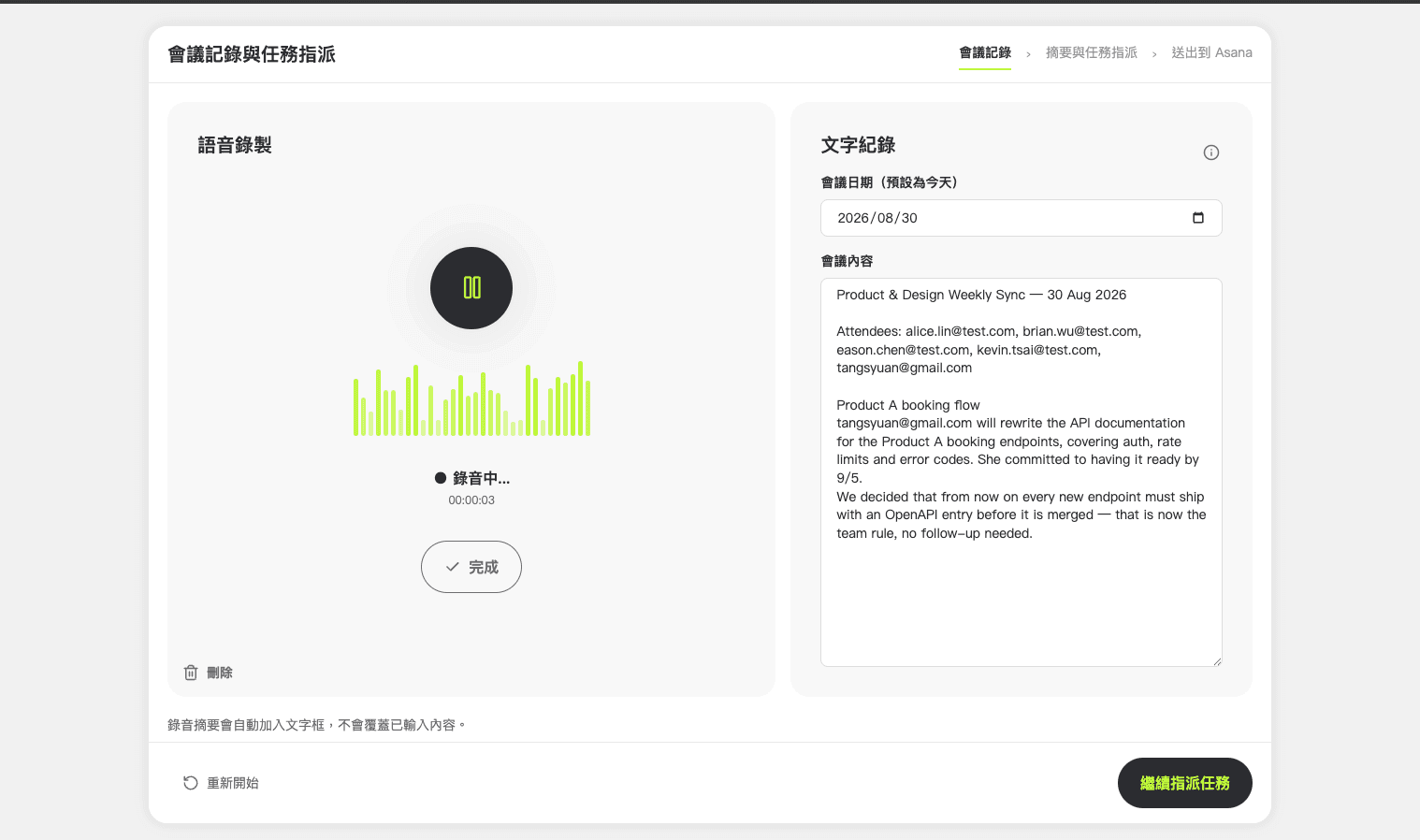
Design a lightweight meeting assistant that records discussions, summarizes key decisions, and sends action items to Asana with one click. Evaluate open-source solutions and integrate transcription, LLM, and project management APIs.
3. Design the workflow and interface
Map the user flow with Claude Code and generate the initial UI in Stitch. Refine the interface and interaction details directly in Claude Code to ensure the design matches the workflow.
4. Build and validate the MVP
Develop the first working version and conduct multiple rounds of testing to verify the recording, summarization, and task creation flow.
5. Improve accuracy and reliability
Replace Faster-Whisper with Groq and migrate from Ollama to the Claude Agent SDK. Refine prompt instructions and content profiles to produce more natural and accurate meeting summaries.
Reflections
This project shifted from experimenting with AI tools to building a practical product for a real team. Beyond creating a working prototype, I had to consider accuracy, maintainability, and how easily teammates could adopt it. It reinforced that successful AI products depend not only on implementation, but also on selecting the right models, designing reliable workflows, and delivering an experience that people are willing to use every day.